The problem before we started
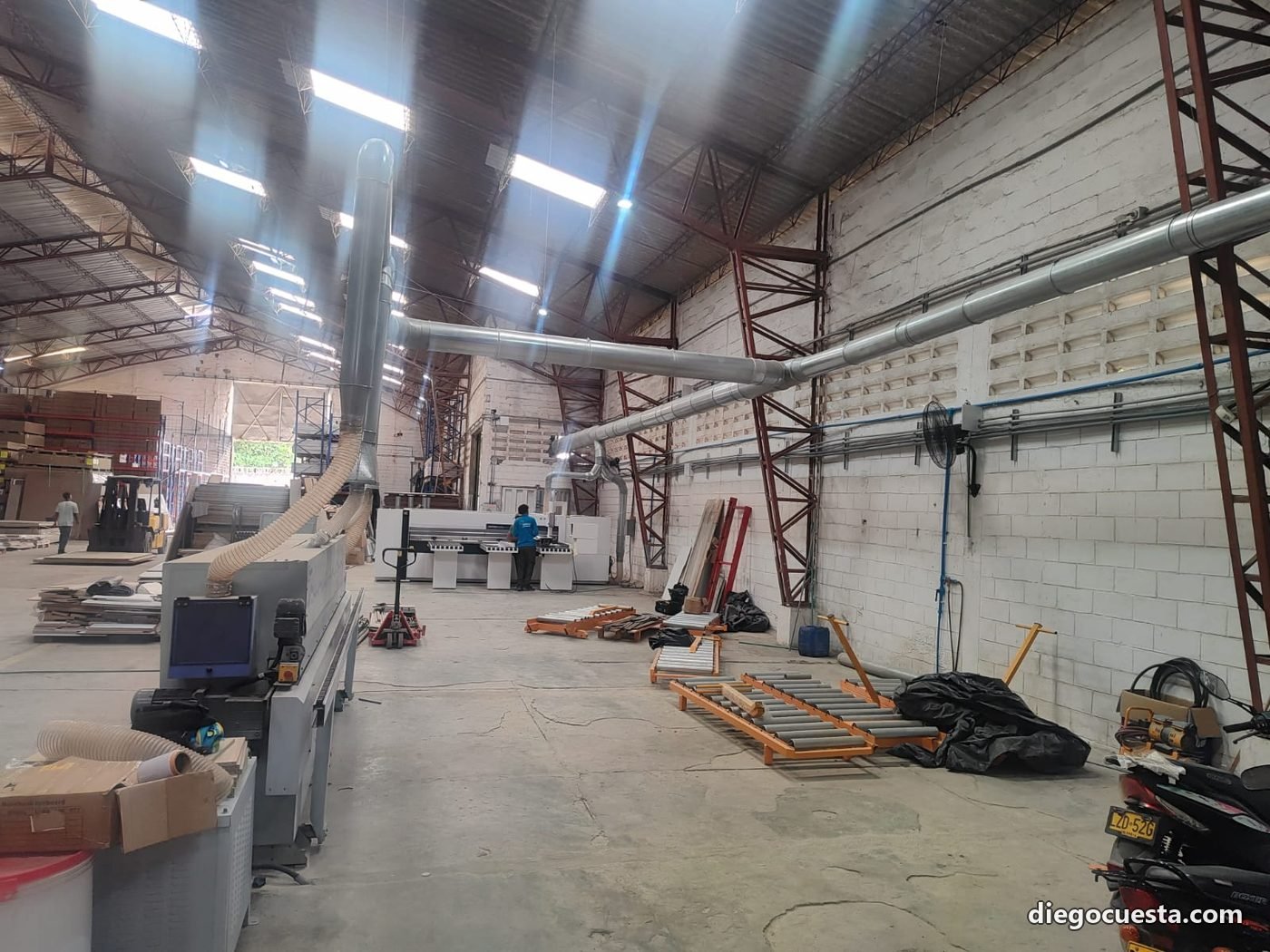
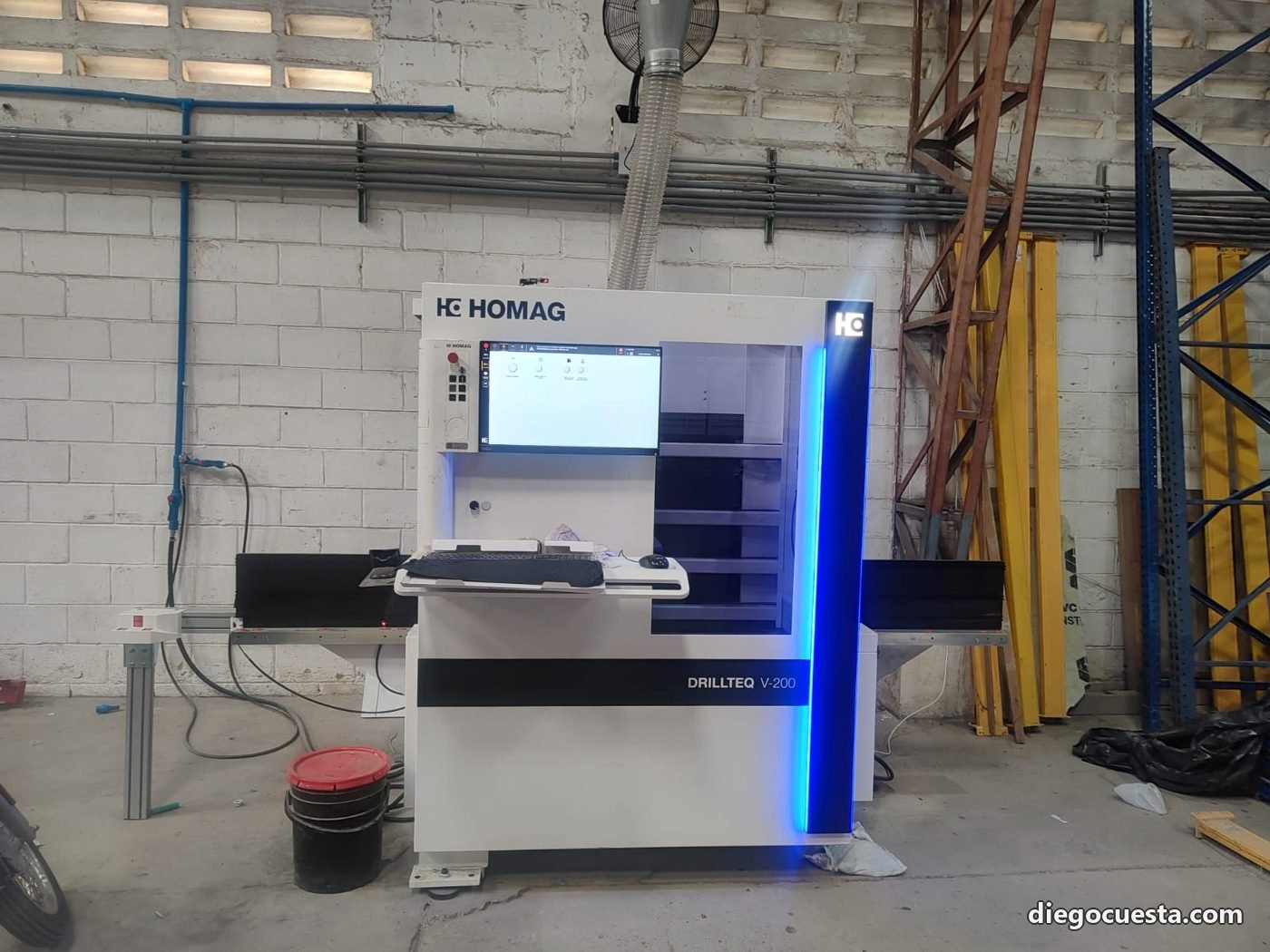
An industrial woodworking plant had two locations: one held the design office (designers working in woodWOP / CAD), and the other held the HOMAG machinery — two CNC machines for routing and cutting. Several kilometers between the two sites.
The workflow used to be: the designer finished a project, exported the cut files (MPR, HCD, CSV nesting), copied them to a USB stick, and someone physically drove it to the plant. Any last-minute change meant another trip. If the USB stick failed or got lost, full rework.
What the customer wanted was simple to ask and not so simple to deliver: the designer exports and both HOMAGs see it, as if it were a local network folder.
The solution, in two layers
Physical layer: Ethernet on the floor
Each HOMAG, like almost every modern industrial CNC, exposes an RJ45 Ethernet port on its control PC (woodWOP or the proprietary controller, depending on the line). First step was running shielded Cat 6 UTP from the plant rack to each machine, leaving spare ports for future expansion.
Three things you can't ignore in industrial environments:
- EMI: large motors, variable-frequency drives and the machinery itself generate noise. For long runs near heavy equipment we use shielded cable (S/FTP) with metal RJ45 connectors and proper shield grounding.
- Sawdust: the switch's worst enemy in a woodshop. Active electronics go in a closed IP54 metal cabinet, not on an open shelf.
- Voltage dips and spikes: dedicated UPS for the switch and for the HOMAG PCs. When a big motor starts on the same circuit, the dip can drop the equipment mid-cut.
Logical layer: site-to-site VPN between offices
With both HOMAGs on the plant LAN, we needed to bridge that LAN with the design site's LAN, as if they were one. The tool for that is a site-to-site VPN — a permanent encrypted tunnel between both routers.
Reasonable options today:
- IPsec — industry standard, supported by virtually every business router (Mikrotik, Ubiquiti EdgeRouter, pfSense, Fortinet). Mature, robust, denser to configure but predictable.
- WireGuard — modern, much simpler to configure, excellent throughput. Native in Mikrotik RouterOS 7+, pfSense 2.6+ and most current firewalls.
- OpenVPN — the veteran; still works fine but loses to WireGuard on performance.
The result on the designer side: network folders pointing to each HOMAG PC by its private IP (something like \\192.168.20.10\nesting and \\192.168.20.11\nesting), behaving as if they were next door.
The VPN should never be an excuse to expose industrial machinery to the open internet. Both HOMAGs stay behind the firewall, with no port-forwarding to the outside. The only access from the other site goes through the encrypted tunnel, authenticated by certificates or pre-shared keys, and locked down by firewall rules to only the necessary resources (SMB for the file share, nothing else).
The new workflow, step by step
- The designer finishes the project at the design site and exports the cut/machining files in the format the HOMAGs understand.
- They save them in a shared network folder that, thanks to the VPN, is mapped as a local drive on their PC.
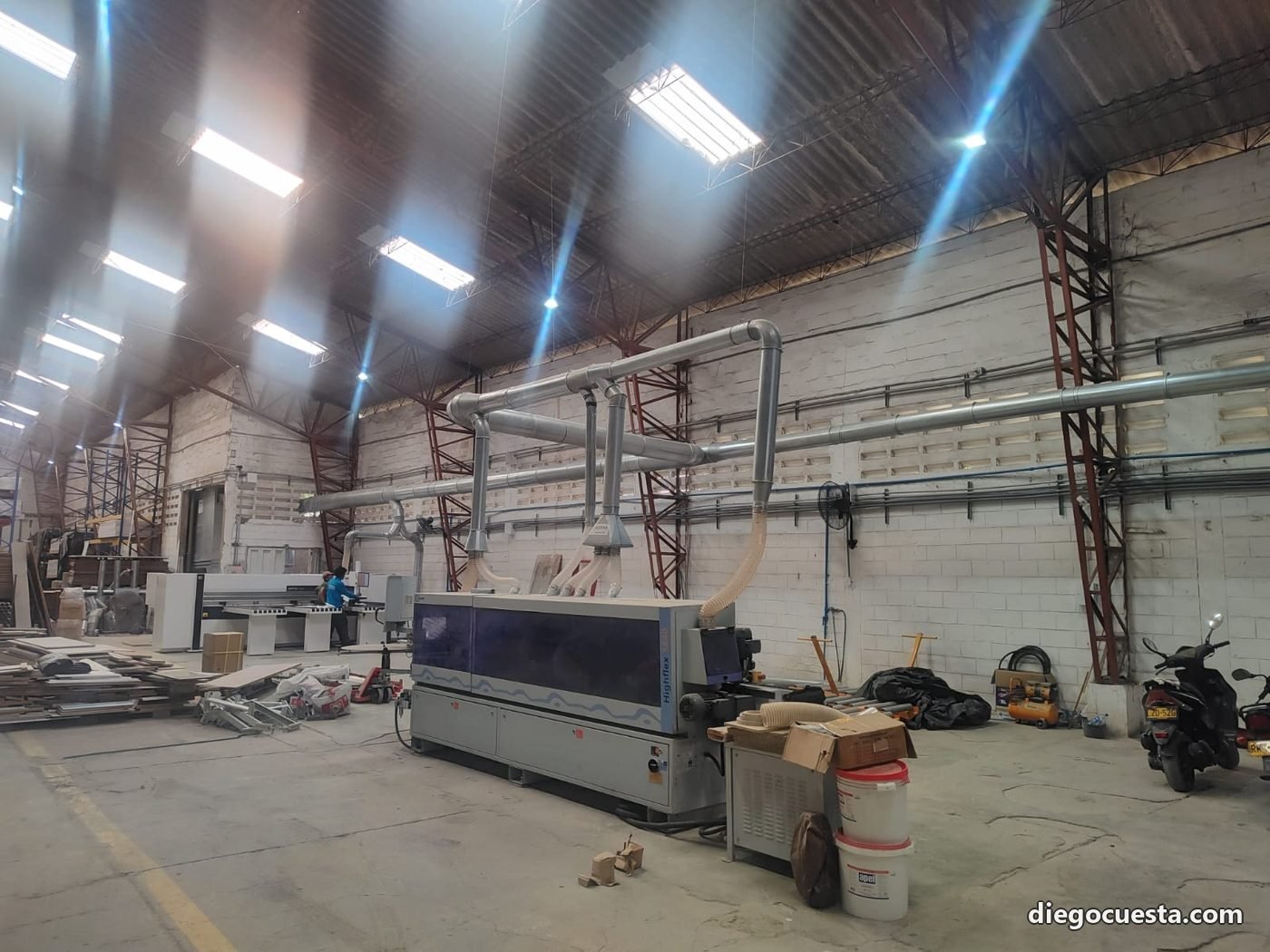
- At the plant, each HOMAG already has its folder mapped as input — the operator just opens the file and loads it into the machining program of the corresponding machine.
- When there's a change, the designer overwrites and the operator reopens. No trips, no lost USB sticks, no version drift.
What I learned from this project
Industrial networking isn't office networking
What in an office is solved with a US$ 30 desktop switch under the desk requires, on a plant floor, an industrial DIN-rail switch with extended temperature range, 24V redundant power, and a closed cabinet. The price difference pays itself the first time you don't get a comms drop at 11am with the machine cutting US$ 600 of board.
The client wants automation, not infrastructure
Nobody at the woodshop woke up thinking "I need a site-to-site IPsec VPN". They wanted "no more running with the USB". Infrastructure is invisible when it works — and that's exactly what's valuable.
Document like you're leaving tomorrow
Network diagram, assigned IPs, passwords in a password manager (not on a post-it), router credentials, firmware versions, and a runbook of "if the VPN drops, here's what to check first". If I'm unavailable one day, the client or any other tech should be able to pick it up.
Got a similar scenario?
If you have industrial machinery, multiple sites or need to move heavy files between locations without USBs or email, tell me what you have and we'll figure out how to wire it up. I work with HOMAG, BIESSE, SCM and any CNC machinery with an Ethernet port or serial-to-Ethernet bridge.