
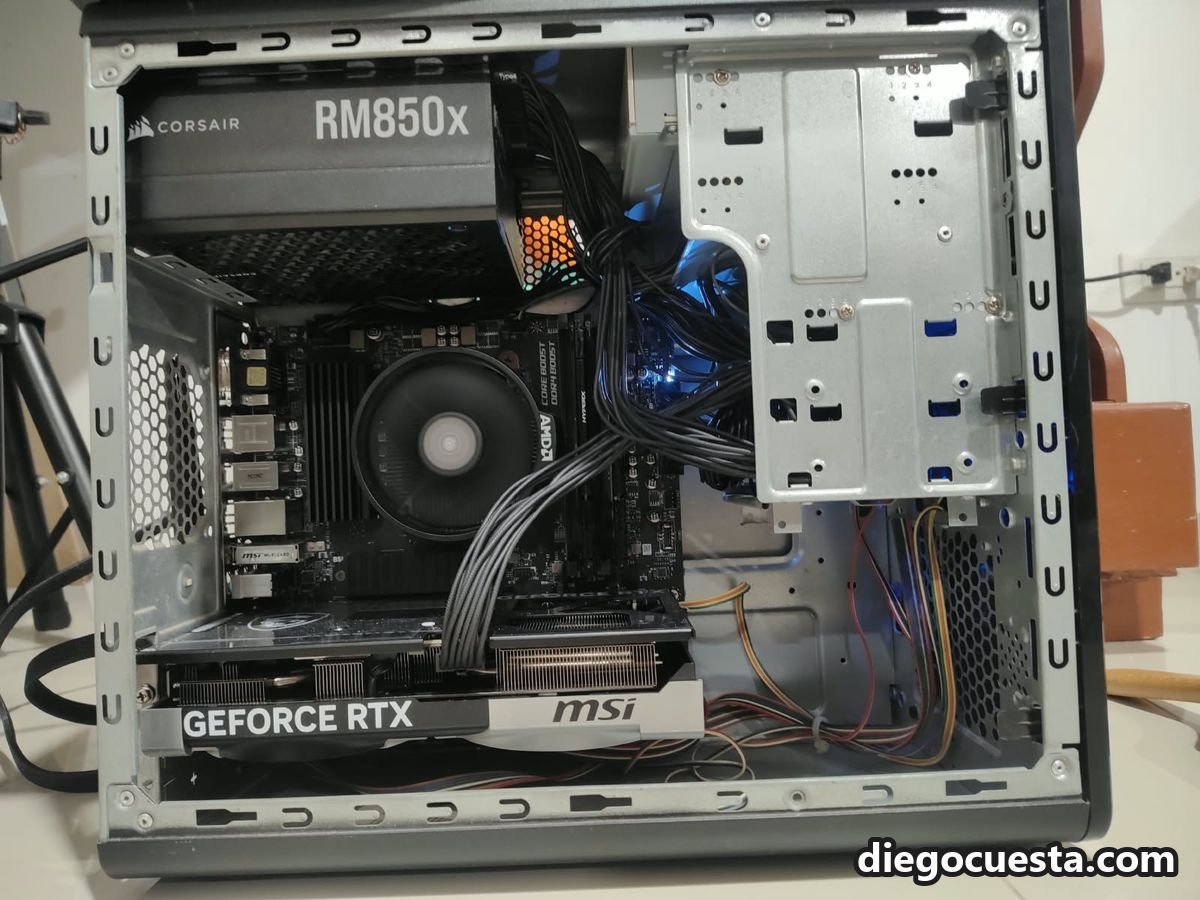
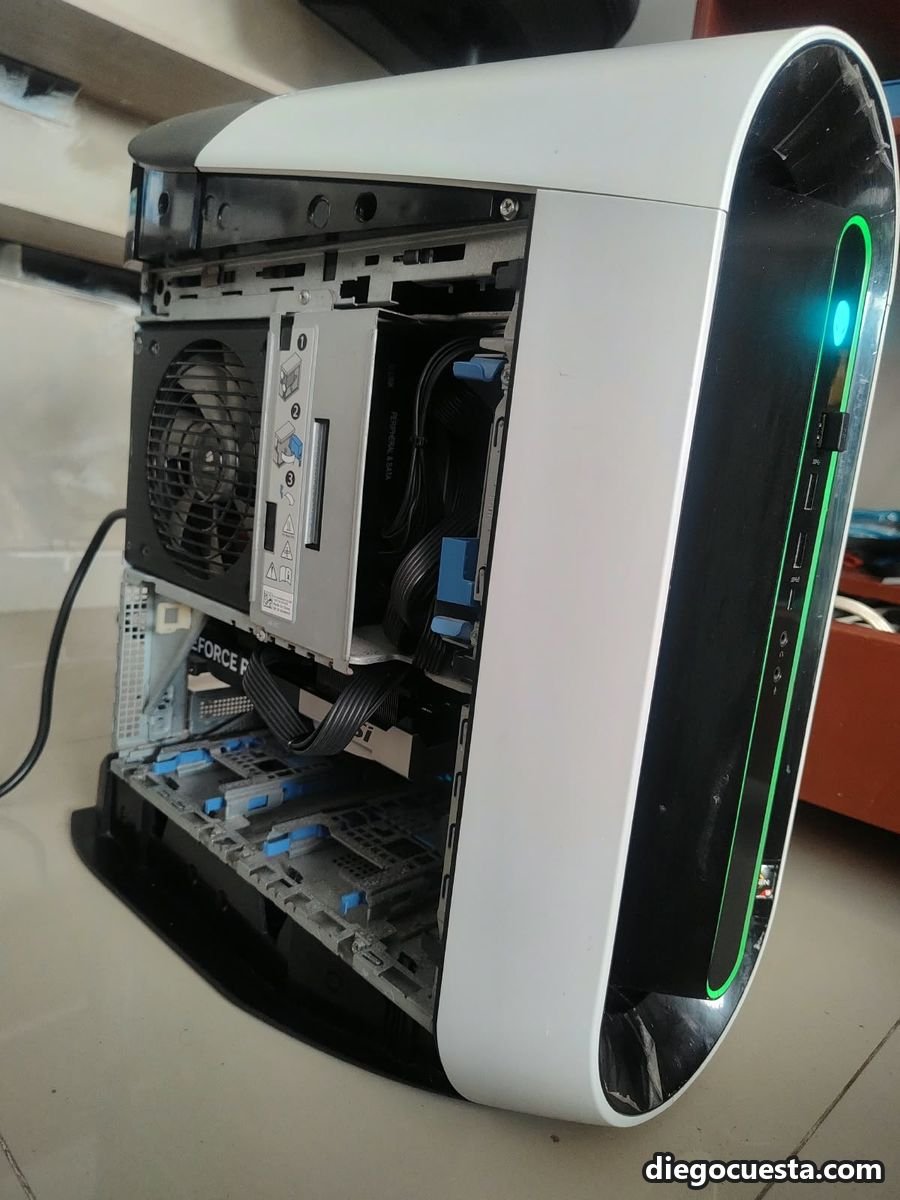
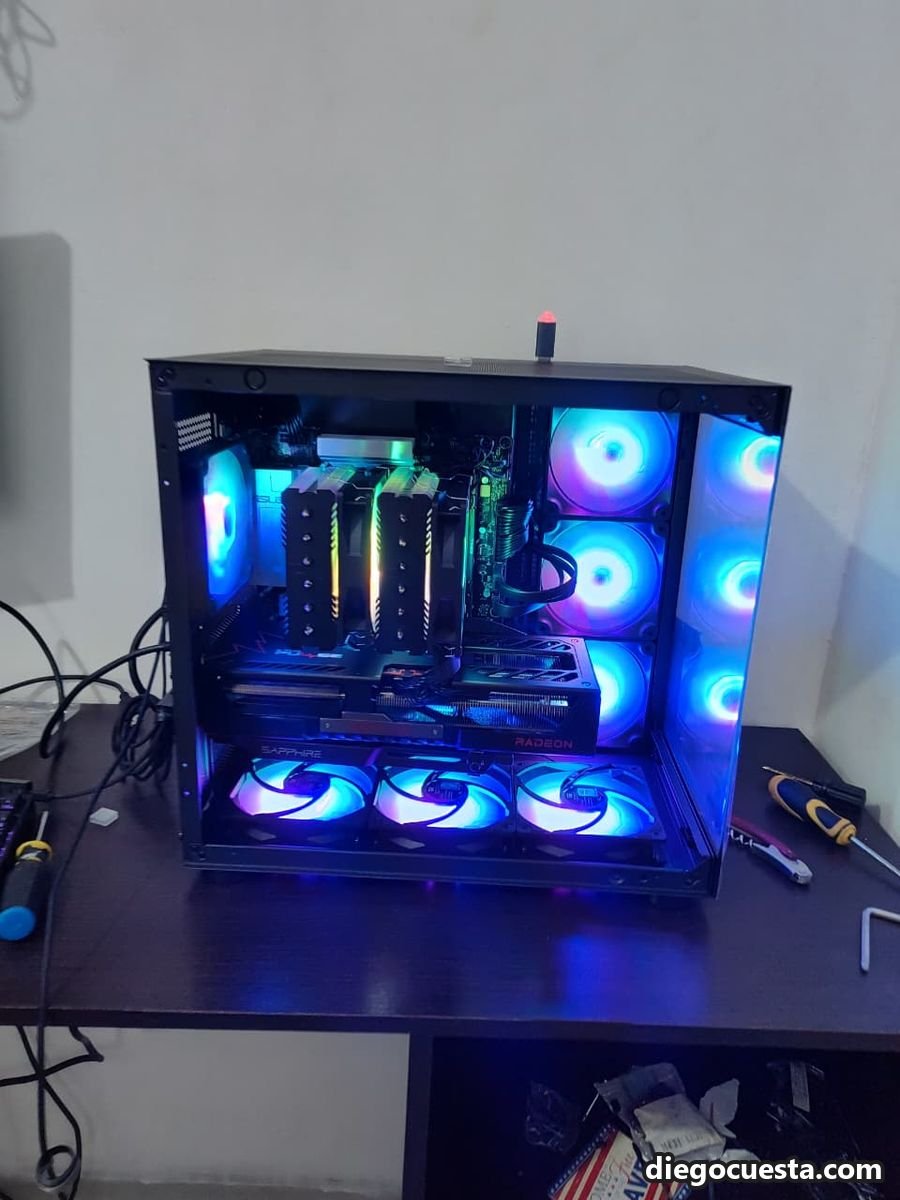
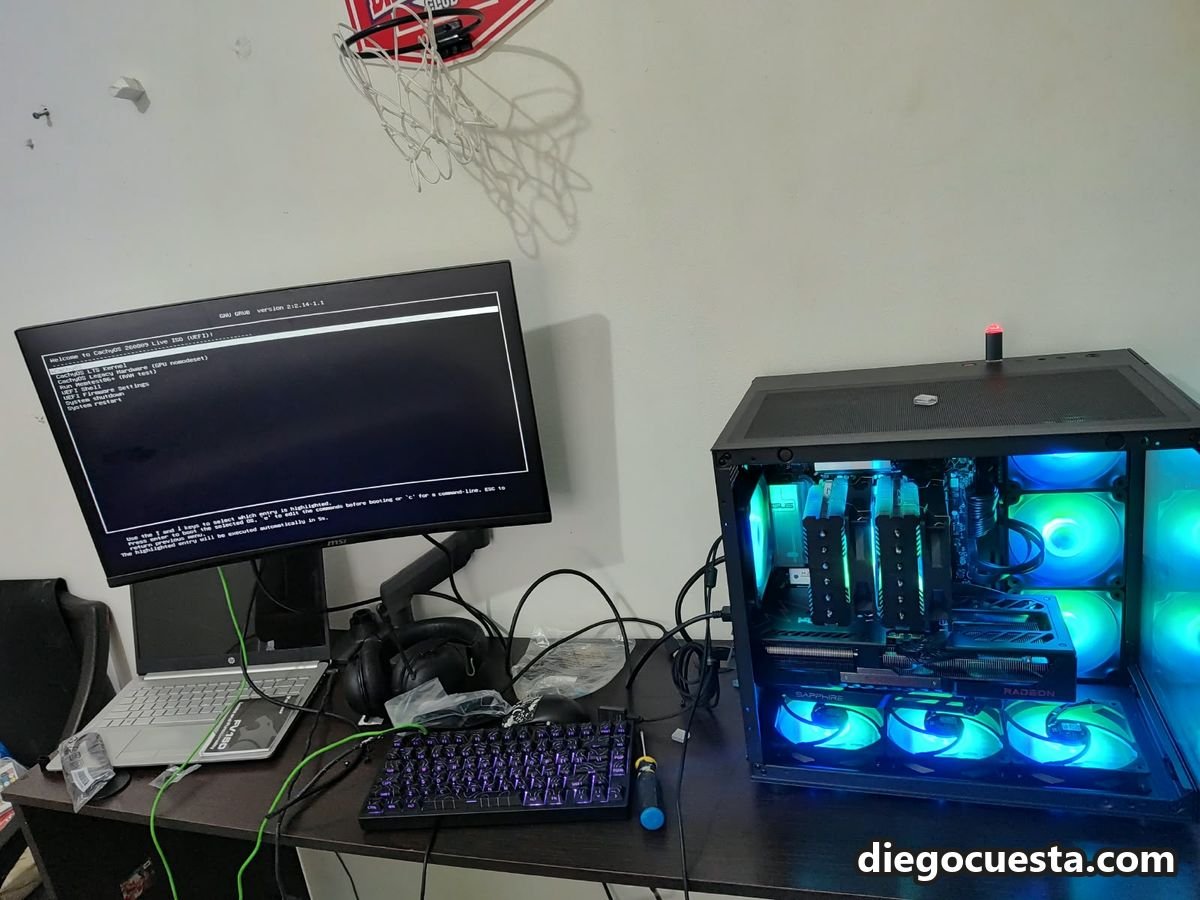
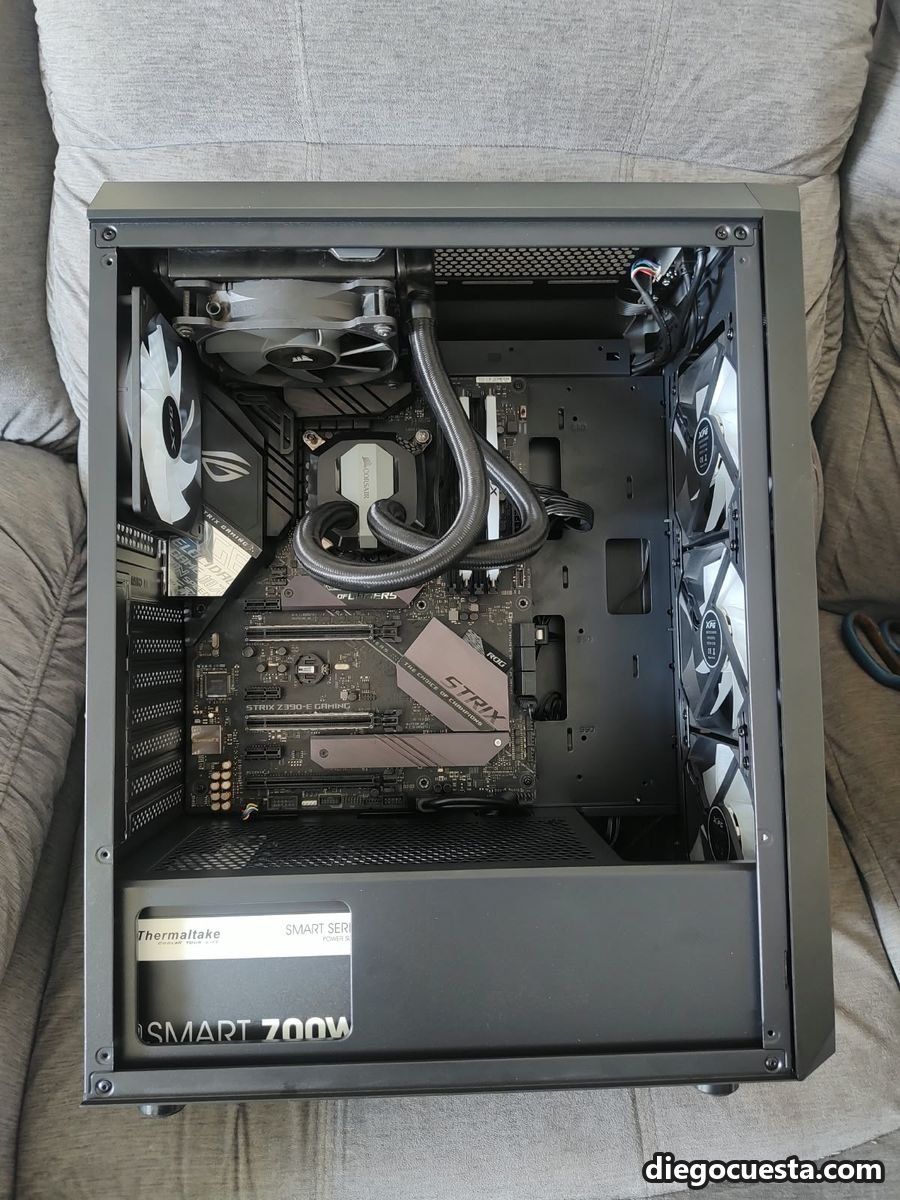
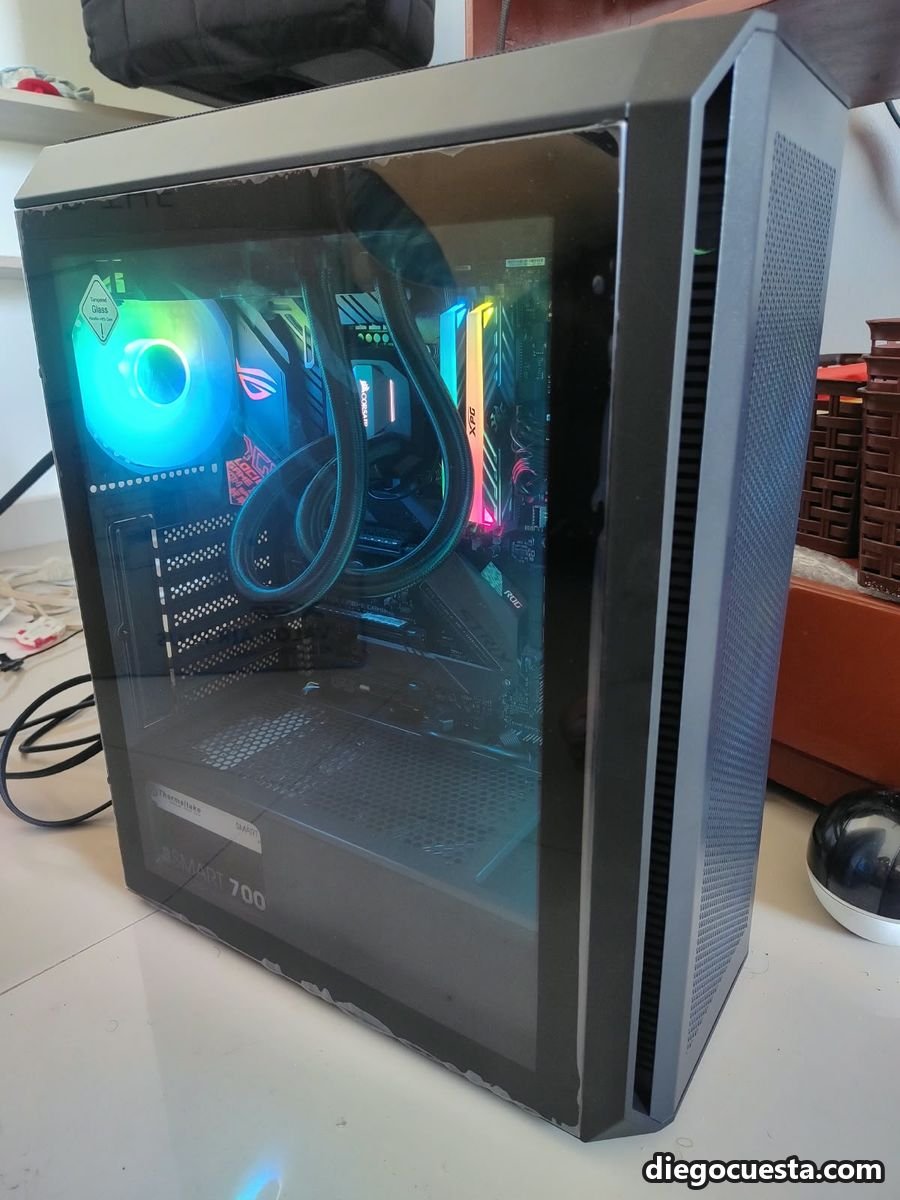
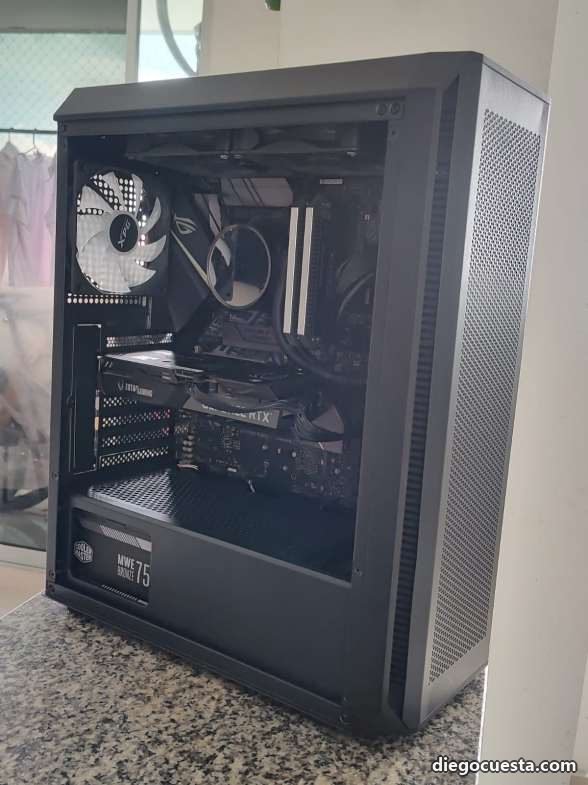
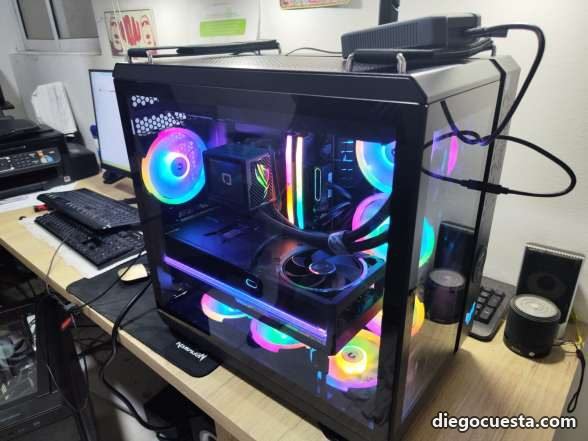
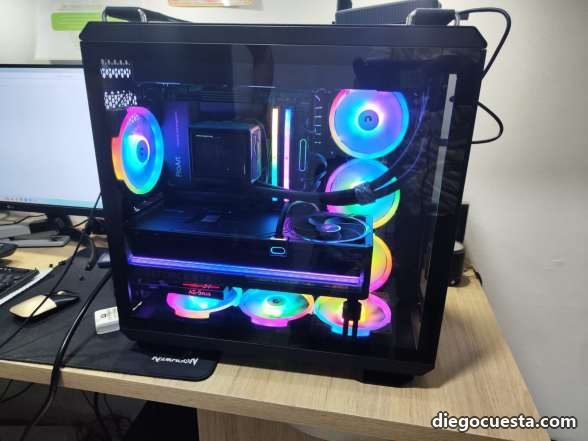
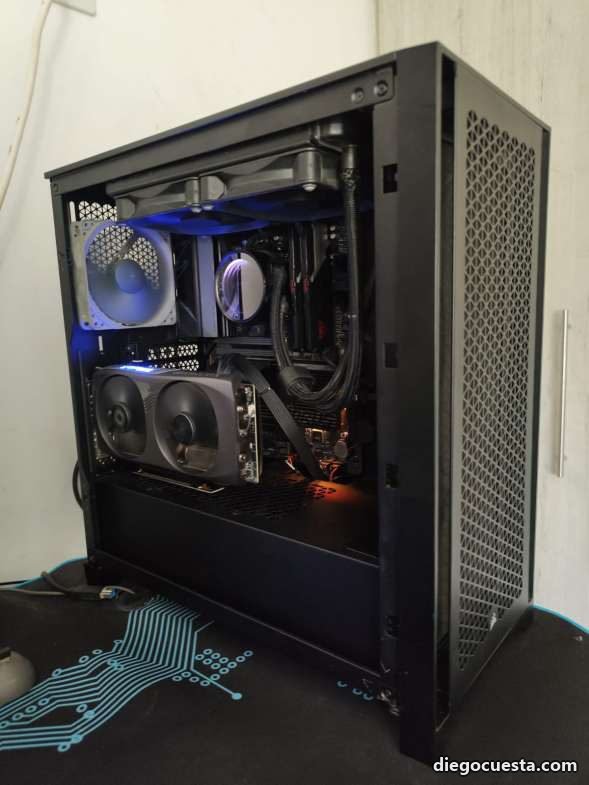
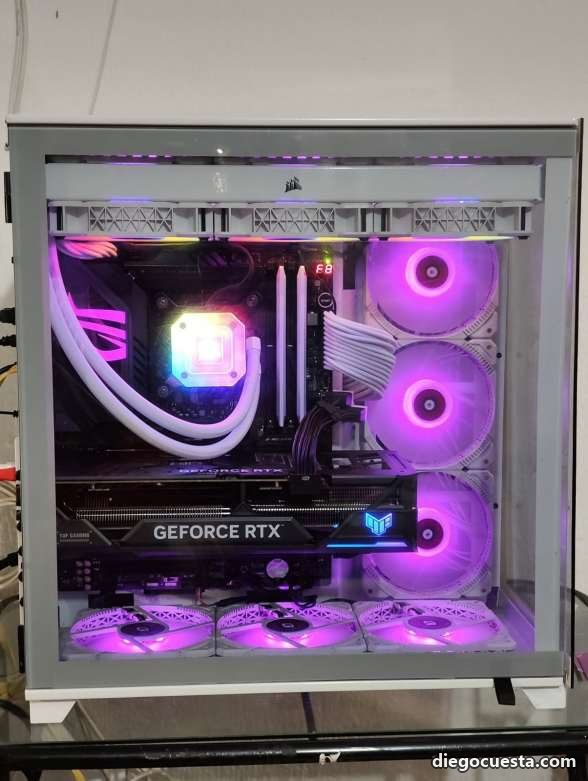
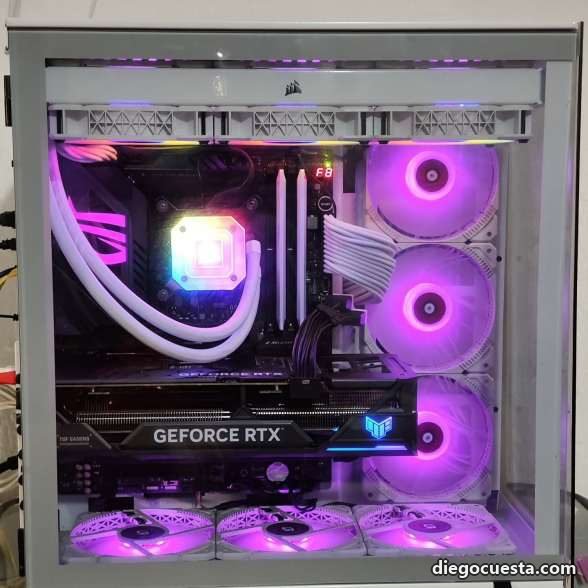
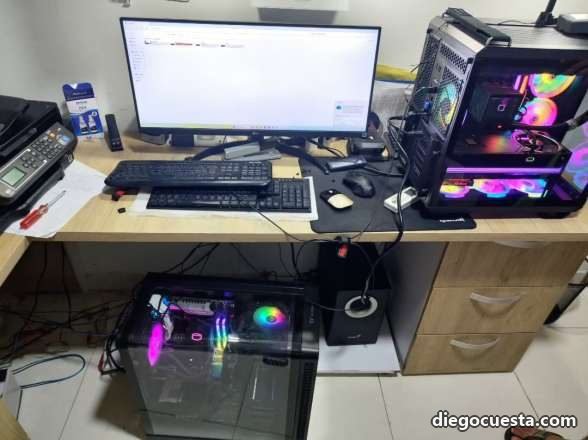
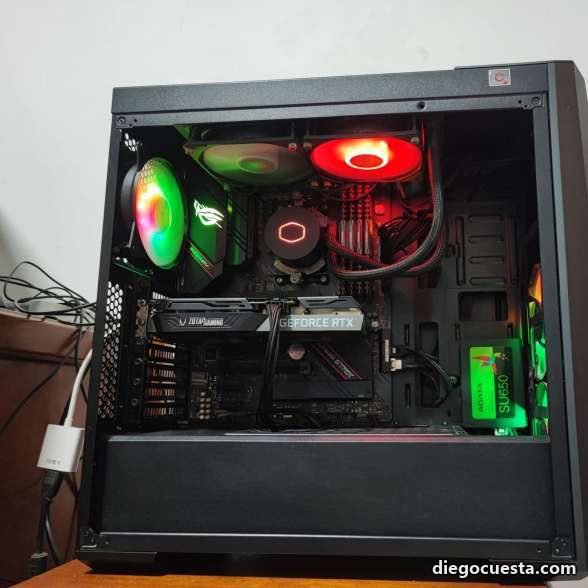
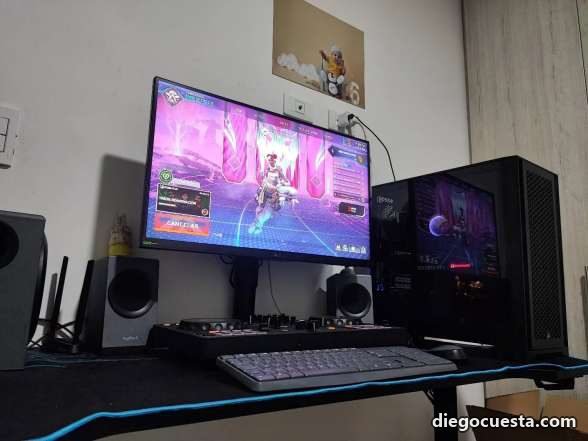
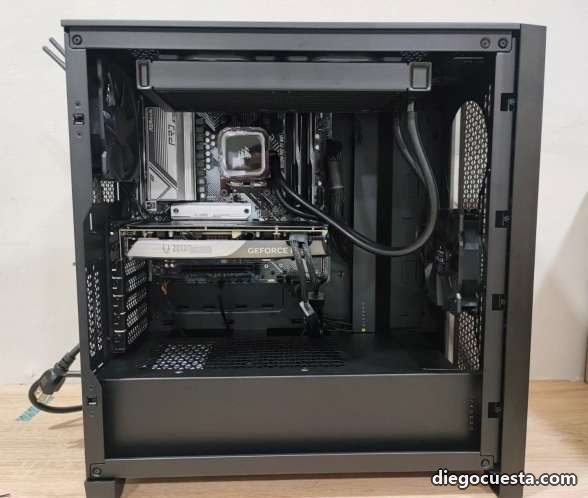
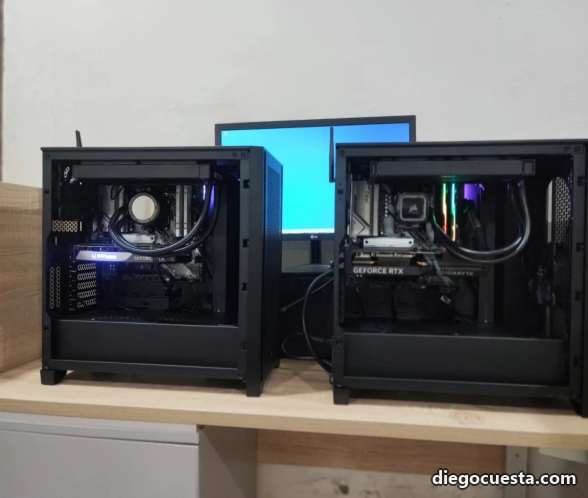
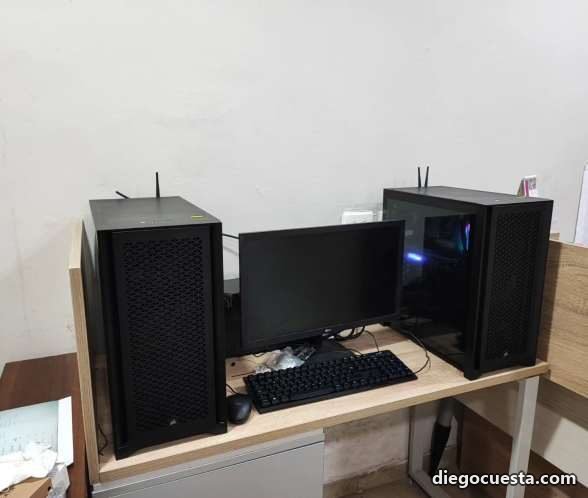
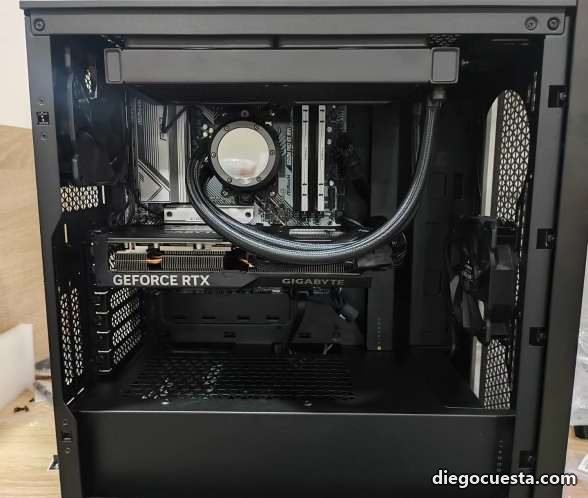
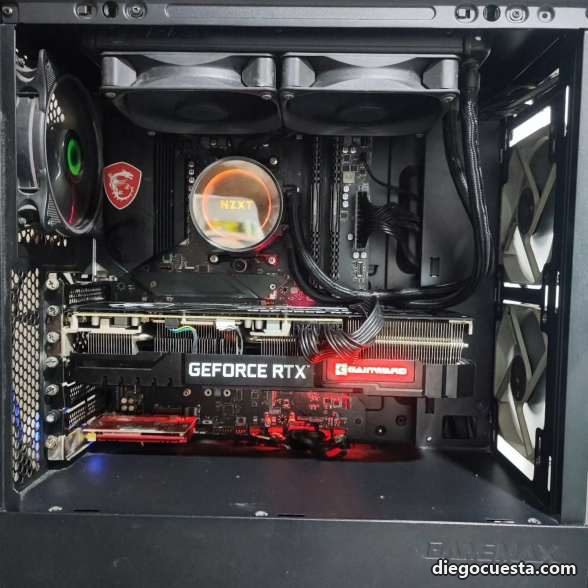
Every machine in this gallery was assembled or upgraded according to the client's expectations, budget and needs.
Gallery
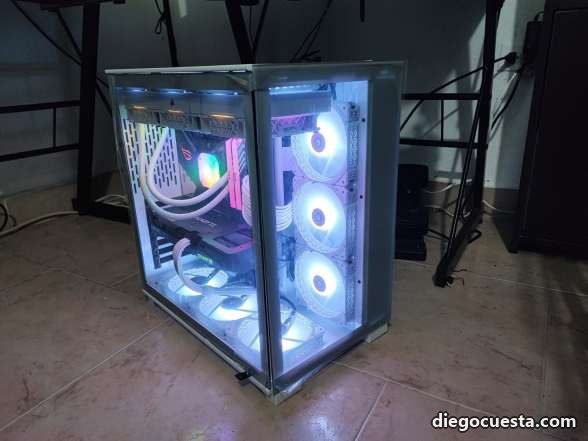
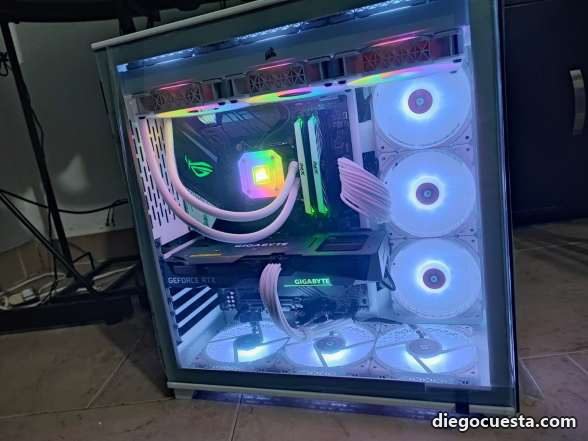
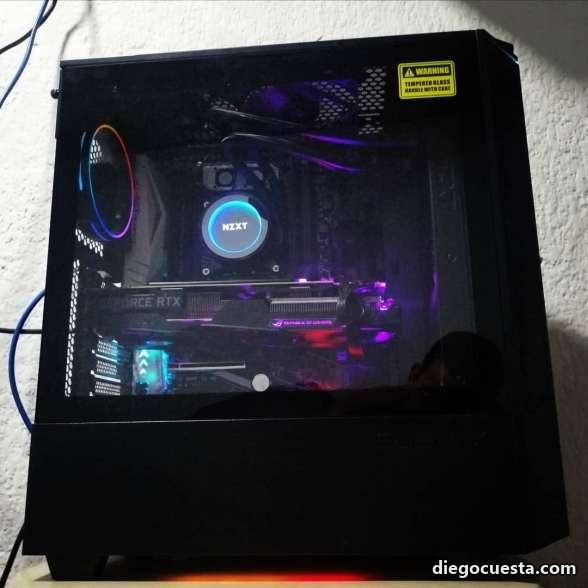
What I learned building these
The customer chooses the priciest component, not the tech
When someone asks me for a gaming PC, the first thing I ask is not budget — it's which games, at what resolution and on what monitor. If you play 1080p competitive, dropping US$ 800 on a flagship RTX is wasted money: the bottleneck is the CPU or the refresh rate. That money returns more in a fast NVMe SSD and faster RAM.
The chassis matters more than people think
I've seen "pretty" cases with no front mesh choking an RTX 4070. And I've seen cheap mesh boxes keeping the GPU 8°C cooler than a closed "premium" enclosure. Airflow beats style every time, and tempered-glass-front cases without side perforations are thermal traps.
Assembly isn't done when it powers on
My checklist after every build: 20-minute CPU stress test (Prime95 or Cinebench), 3DMark Time Spy to validate the GPU, sustained temperature check, and verifying each SATA/NVMe shows at correct speed in CrystalDiskInfo. If something is going to break, it breaks here — not two weeks later at the client's house.
Cable management gets done twice
First time during assembly. Second time after the first power-on, when you actually know which cables are unused and which need to be rerouted. Doing it well avoids airflow interruption and keeps the case clean for when you need to add RAM or change a drive later.
Need a built PC?
If you're in Cartagena or want one shipped elsewhere, I build it, test it, deliver it powered and configured. No surprises, no filler components. Reach me on WhatsApp with what you'll use the machine for and we'll build the parts list together.