

Step 1: define what the machine is for
The mistake I see in 9 out of 10 builds that hit my bench is imbalance: someone spent 60% of the budget on a GPU to game and bought 8 GB of RAM with a 240 GB SATA SSD. Or the opposite: a Ryzen 9 with RTX 4090 to open Word and run spreadsheets. Before looking at prices, be honest about the use case:
| Profile | What to prioritize | What can be modest |
|---|---|---|
| Office / reception / POS | Fast SSD, 16 GB RAM, integrated graphics | Basic CPU, no discrete GPU |
| Student / home / multimedia | NVMe SSD, 16 GB RAM, CPU with decent iGPU | Discrete GPU (optional) |
| Developer / web dev / IT | Multi-core CPU, 32 GB RAM, fast NVMe SSD | Discrete GPU (optional, unless ML) |
| Gaming 1080p / esports | Mid GPU (RX 7600 / RTX 4060), balanced CPU, 144 Hz monitor | Modest case, stock cooler |
| Gaming 1440p / AAA | High GPU (RX 7800 XT / RTX 4070 Super), 6+ core CPU, 32 GB RAM | — |
| Gaming 4K / VR | Top GPU (RTX 4080/4090, RX 7900 XTX), fast CPU, matching monitor | — |
| Video editing / 3D / CAD | 12+ core CPU, 64 GB RAM, NVIDIA GPU (CUDA), large NVMe SSD | — |
| Music production / DAW | Fast single-thread CPU, 32–64 GB RAM, large SSD for libraries, clean audio | Basic GPU |
| Local AI / ML workstation | NVIDIA GPU with lots of VRAM (≥12 GB), 32 GB+ RAM, fast NVMe | Mid CPU |
| HTPC / living room mini-PC | iGPU with HEVC/AV1, low power, silent, SSD | Everything else |
| NAS / home server | Large HDDs, ECC RAM if budget allows, 2.5 GbE+, efficient | Mid CPU, integrated GPU |
Once the profile is clear, everything else simplifies.
Step 2: component by component — what actually matters
CPU (processor)
Two players: AMD Ryzen (current AM5 socket, AM4 still alive on a budget) and Intel Core (current LGA 1851 on the Core Ultra series, LGA 1700 still valid).
- Cores and threads: for games, 6 cores perform well; for editing, virtualization, compilation, go for 12+.
- Frequency: matters more for single-thread (games, audio, older software).
- L3 cache: Ryzen X3D chips (5800X3D, 7800X3D, 9800X3D) carry extra cache and are gaming kings.
- iGPU: if you're not buying a discrete GPU, make sure the CPU has integrated graphics. AMD: "G" or "GE" suffix (Ryzen 7600/7700 without "F" have a weak iGPU; Ryzen 8000G has a strong one). Intel: nearly all, except those ending in "F".
- TDP: 65 W is efficient; 105–170 W demands serious cooling.
My 2026 picks by case:
- Office / home: Ryzen 5 8500G / 8600G (decent iGPU, no discrete GPU needed) or Intel Core i3-14100.
- Gaming 1080p: Ryzen 5 7600 or Intel Core i5-14400F.
- Gaming 1440p / mixed: Ryzen 7 7700X / 9700X or Core i5-14600KF.
- Top gaming: Ryzen 7 9800X3D (best gaming chip today).
- Workstation / editing: Ryzen 9 7900X / 9900X / 9950X or Core i7-14700K / Ultra 7 265K.
- Heavy workstation / ML: Threadripper or Xeon W if budget allows, Ryzen 9 9950X3D otherwise.
GPU (graphics card)
If you're not gaming, editing, doing 3D, modeling, local AI, or driving multiple heavy-load monitors, a good iGPU is enough. You save USD 250–1000.
If you need a discrete GPU:
- NVIDIA dominates if you do editing (CUDA in Premiere, DaVinci, Blender), local AI (PyTorch, llama.cpp), AAA with ray tracing and DLSS. Current series: RTX 4060/4060 Ti/4070/4070 Super/4070 Ti Super/4080 Super/4090. RTX 50-series available at the top.
- AMD Radeon gives more raster performance per dollar in games without RT. RX 7600/7700 XT/7800 XT/7900 GRE/7900 XT/7900 XTX.
- Intel Arc (A580/A750/A770, B580/B570) — good value in midrange, especially for AV1 encoding. Drivers matured in 2025.
- VRAM: 8 GB is enough for 1080p; aim for 12 GB at 1440p; 16 GB+ for 4K and creative workflows.
Watch for bottlenecks: an RTX 4080 with a Ryzen 3 is waste; a Ryzen 9 with a GTX 1650 is the opposite. Rough rule: GPU cost shouldn't exceed 2× the CPU cost in gaming builds, nor be less than 0.5× in graphics-heavy workloads.
RAM
- Capacity: 16 GB is the minimum for 2026, 32 GB is the sweet spot for almost everything, 64 GB+ for workstation/ML.
- DDR4 vs DDR5: if your board is DDR5, don't look back. DDR4 is only valid on legacy platforms (AM4, LGA 1200).
- Speed: DDR5-6000 CL30/CL32 is the sweet spot for Ryzen 7000/9000. Intel takes higher speeds but gains diminish past DDR5-6400.
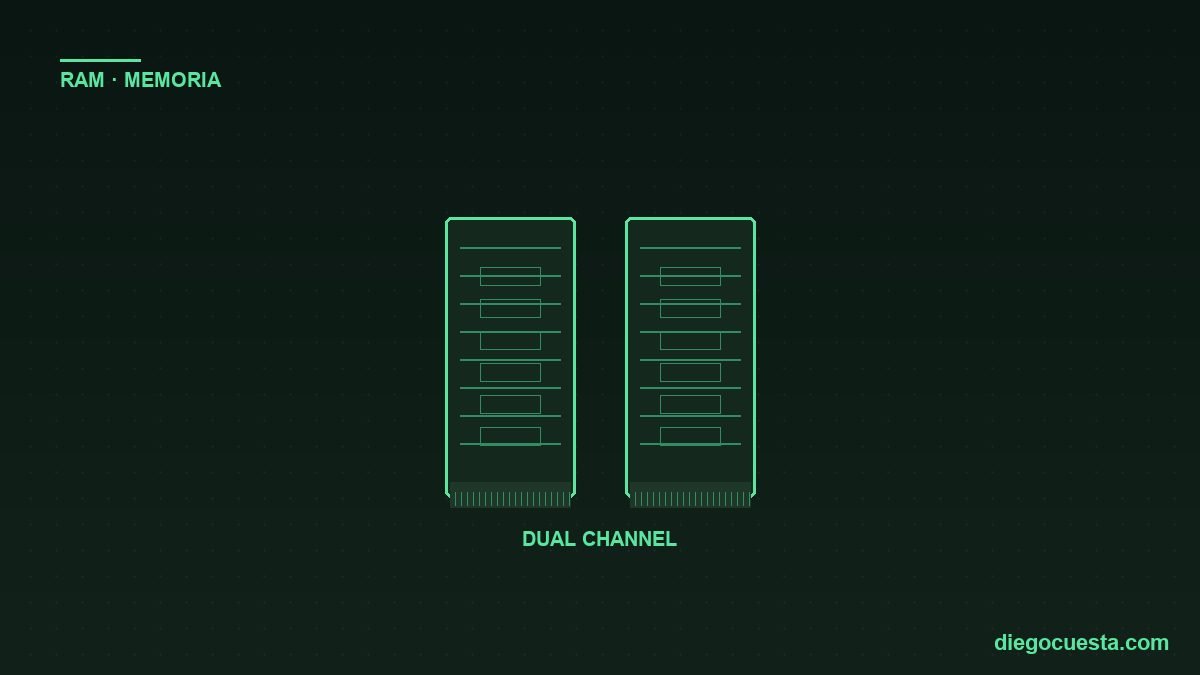
- Always dual channel: 2× 16 GB outperforms 1× 32 GB. One of the most common mistakes.
- CL latency: matters but less than frequency. CL30–CL36 is fine.
- ECC: only for serious servers; consumer CPUs don't officially support it.
Storage
The biggest perceived performance jump comes from the SSD. Any modern PC must boot from NVMe, not HDD or SATA SSD.
- NVMe PCIe 4.0: the 2026 standard — Samsung 980/990, WD SN770/850X, Kingston KC3000, Lexar NM790, Crucial T500. 5,000–7,400 MB/s. 1 TB minimum reasonable size.
- NVMe PCIe 5.0: 10–14 GB/s — Crucial T705, Samsung 9100 Pro. Only justified for 8K editing, massive transfers and similar. For gaming the gap over PCIe 4.0 is marginal.
- NVMe PCIe 3.0 / SATA SSD: still valid as secondary or in upgrades.
- HDD: only for mass storage (archives, media, NAS) — never as primary. WD Red Plus, Seagate IronWolf, Toshiba N300 for NAS; WD Purple for CCTV.
- TBW: indicates write lifespan. For normal use any SSD lasts 5+ years; for heavy workloads aim Pro/enterprise.
More detail in SSD consumer vs enterprise and HDD vs SSD: real reliability.
Motherboard
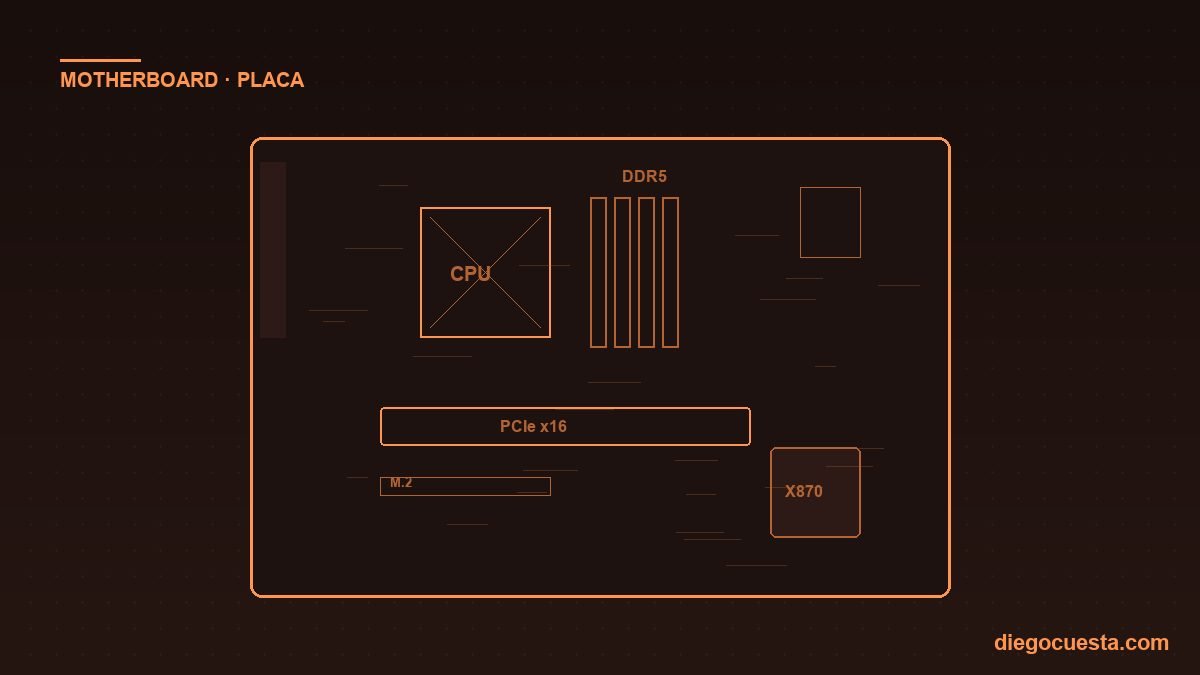
The board doesn't improve performance by itself — it defines what you can connect and for how long. What matters:
- Chipset matching the CPU:
- AMD AM5: A620 (entry), B650 / B650E (mid, sweet spot), X670 / X670E (high, dual chipset), X870 / X870E (2024+, mandatory WiFi 7 and USB 4).
- Intel LGA 1851: H810 (basic), B860 (mid), Z890 (overclock and max I/O).
- VRM: power delivery phases. If your CPU is 105+ W or you plan to overclock, don't buy the cheapest — look for boards with robust VRM (8+2 phases or more).
- M.2 slots: at least 2 (one PCIe 5.0 + one PCIe 4.0). High-end boards have 3–4.
- Network: 2.5 GbE is the current standard; WiFi 6E or WiFi 7 for modern wireless.
- USB: check how many USB 3.2 Gen 2 (10 Gbps) and USB-C ports it has. Rear ports matter more than front.
- Size: ATX (standard), micro-ATX (compact, saves money), mini-ITX (mini PCs, pay more for less).
Power supply (PSU)
The component people cut and pay for later. Hard rules:
- Always reputable brand: Seasonic, Corsair (RM/HX/AX), Cooler Master MWE Gold/V Gold, EVGA Supernova, be quiet!, MSI MAG/MPG, ASUS ROG/TUF Gold. Outside that, risk.
- 80 Plus certification minimum Gold. Bronze acceptable for entry, Platinum/Titanium if budget allows.
- Wattage: calculate consumption (use Cooler Master Bundle Calculator or OuterVision) and add 30% headroom. A mid gaming PC is fine with 750 W; top RTX 4090 asks for 1000 W.
- Modular or semi-modular: eases assembly and cleanup. Worth the difference.
- 12VHPWR/12V-2x6 connector: needed for RTX 40-series and up. Make sure the PSU has it natively or uses a native cable, not cheap third-party adapters.
Detail in real lifespan of an ATX PSU.
Case
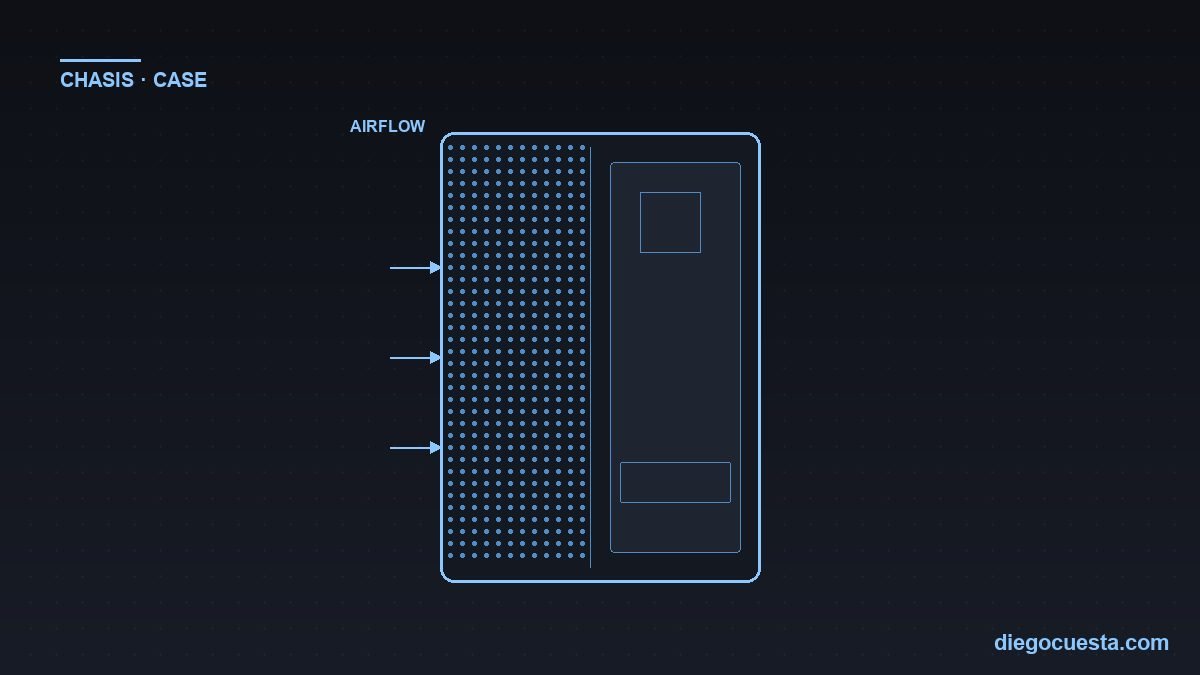
- Airflow above all: mesh front > decorative tempered glass. Brands with good airflow: Lian Li Lancool, Fractal Design Pop/North, Phanteks Eclipse, Cooler Master MasterBox NR/TD500, NZXT H5/H7, Corsair 4000D Airflow.
- GPU compatibility: check max GPU length supported. RTX 4080/4090 are long and tall (3 slots).
- CPU cooler compatibility: max air cooler height; AIO support for 240/280/360 mm.
- Cable management: rear panels with room to hide cables.
- Front connectivity: front USB-C is very useful and not every case has it.
CPU cooling
- Stock cooler (bundled with CPU): only for CPUs of 65 W or less. Ryzen 5 7600, 8600G, Intel i3.
- Tower air cooler: for 65–125 W. Thermalright Peerless Assassin 120 SE (USD 35, beats coolers at USD 90), Noctua NH-U12S, be quiet! Dark Rock 5, Deepcool AK620.
- Premium air: Noctua NH-D15, Thermalright Phantom Spirit 120 EVO — perform close to a 280 mm AIO without leak risk.
- Liquid AIO 240/280/360 mm: for 150+ W or RGB aesthetics. Arctic Liquid Freezer III, Lian Li Galahad II, NZXT Kraken, Corsair iCUE H150i.
- Custom loop: only if you love the hobby. Expensive, periodic maintenance, marginal gain vs a good AIO.
Step 3: tight configurations by budget (2026)
Indicative prices in USD. They vary by region and supplier. Every one of these I've assembled or would recommend today.
Tier 1 — Office / home (~USD 500–650)
| Component | Choice | Notes |
|---|---|---|
| CPU | Ryzen 5 5600G (AM4) or Ryzen 5 8500G (AM5) | Integrated iGPU — no discrete GPU |
| Board | A520 / B450 (AM4) or A620 (AM5) | Most basic stable |
| RAM | 16 GB DDR4-3200 or DDR5-5200 (2×8) | Dual channel |
| SSD | NVMe 500 GB Kingston NV3 / WD SN580 | Enough for OS + programs |
| PSU | 500 W Bronze (Cooler Master MWE / EVGA W3) | Plenty for integrated |
| Case | Aerocool Cylon / Cooler Master Q300L | — |
Tier 2 — Student / multimedia (~USD 700–900)
| Component | Choice | Notes |
|---|---|---|
| CPU | Ryzen 5 7600 / 8600G or Intel Core i5-12400F | — |
| Board | B650M (AM5) or B760M (Intel) | microATX to save |
| RAM | 16–32 GB DDR5-5600 (2×8 or 2×16) | Start at 16 if tight, upgrade later |
| SSD | NVMe 1 TB WD SN770 / Crucial T500 | Better 1 TB than 500 GB now |
| GPU | Optional: Intel Arc A580 or RX 6600 (light gaming) | iGPU enough if study/media only |
| PSU | 550–650 W Gold (Cooler Master MWE Gold / Corsair RM550) | — |
| Case | Cooler Master MasterBox NR400 / Aerocool Cylon Mini | — |
Tier 3 — Gaming 1080p (~USD 1,100–1,400)
| Component | Choice | Notes |
|---|---|---|
| CPU | Ryzen 5 7600 or Intel Core i5-14400F | — |
| Board | B650 (AM5) or B760 (Intel) | — |
| RAM | 32 GB DDR5-6000 CL30 (2×16) | — |
| SSD | NVMe 1 TB PCIe 4.0 | For Windows + AAA games |
| GPU | RX 7600 XT, RTX 4060, Intel Arc B580 | 1080p 60–144 FPS |
| PSU | 650 W Gold modular | — |
| Cooling | Thermalright Peerless Assassin 120 SE | USD 35 beating USD 80 coolers |
| Case | Lian Li Lancool 216 / Cooler Master TD500 Mesh | — |
Tier 4 — Gaming 1440p / mixed (~USD 1,800–2,300)
| Component | Choice | Notes |
|---|---|---|
| CPU | Ryzen 7 7700X / 9700X or Intel Core i5-14600KF | — |
| Board | B650E or X670 (AM5) / Z790 (Intel) | — |
| RAM | 32 GB DDR5-6000 CL30 | — |
| SSD | NVMe 1 TB PCIe 4.0 + 2 TB secondary | — |
| GPU | RX 7800 XT, RTX 4070 Super | 1440p 100+ FPS |
| PSU | 750 W Gold modular | — |
| Cooling | 240 mm AIO or premium air (Phantom Spirit 120 EVO) | — |
| Case | Fractal Pop Air / Lian Li Lancool 216 / NZXT H7 Flow | — |
Tier 5 — Gaming 4K / Creative workstation (~USD 3,000–4,000)
| Component | Choice | Notes |
|---|---|---|
| CPU | Ryzen 7 9800X3D (gaming) or Ryzen 9 9900X / 9950X (workstation) or Core i7-14700K | — |
| Board | X670E / X870 or Z790 | Robust VRM, WiFi 6E minimum |
| RAM | 32–64 GB DDR5-6000 CL30 (2×16 or 2×32) | 64 GB for 4K/3D editing |
| SSD | NVMe 2 TB PCIe 4.0/5.0 + 4 TB secondary | Samsung 990 Pro / Crucial T705 |
| GPU | RTX 4070 Ti Super / 4080 Super / RX 7900 XTX | 4K 60+ FPS / render |
| PSU | 850 W Gold modular (Corsair RM850x, Seasonic Focus GX) | — |
| Cooling | 280/360 mm AIO or Noctua NH-D15 | — |
| Case | Lian Li O11 Dynamic EVO / Fractal North XL / Phanteks Eclipse G500A | — |
Tier 6 — Enthusiast / no ceiling (~USD 5,500+)
| Component | Choice | Notes |
|---|---|---|
| CPU | Ryzen 9 9950X3D or Core Ultra 9 285K / Threadripper | — |
| Board | X870E top (Asus ROG, MSI MEG, Gigabyte Aorus Master) | WiFi 7, USB 4, 4× M.2 |
| RAM | 64–128 GB DDR5-6000 CL30 | — |
| SSD | NVMe PCIe 5.0 2 TB + PCIe 4.0 4 TB | — |
| GPU | RTX 4090 / RTX 5090 / RX 7900 XTX | 4K 120+ FPS, local ML |
| PSU | 1000–1200 W Platinum modular, ATX 3.1 with 12V-2x6 | — |
| Cooling | 360 mm AIO or custom loop | — |
| Case | Lian Li O11D EVO XL / Fractal Torrent / HYTE Y70 | — |
Cross-compatibility people forget
- CPU ↔ board (socket and BIOS): a Ryzen 9000 may require BIOS update on an older B650 board to boot. Get boards with BIOS Flashback to dodge the chicken-and-egg.
- RAM ↔ board: AM5 is DDR5 only; AM4 is DDR4. Intel LGA 1700 accepts DDR4 or DDR5 depending on the board.
- GPU ↔ case: check maximum length (mm). An RTX 4090 is 304–360 mm depending on the model.
- GPU ↔ PSU: RTX 4070+ needs 12VHPWR/12V-2x6 cable. If your PSU is older, use the official adapter from the GPU (not third-party).
- CPU cooler ↔ case: maximum cooler height. AIO needs radiator support 240/280/360.
- M.2 SSD ↔ board: if you fill 2 M.2 slots, some share PCIe lanes with SATA or PCIe slot. Read the manual.
- PSU ↔ case: ATX vs SFX size. Critical in mini-ITX.
Common (and expensive) mistakes
- Buying a GPU unbalanced with the CPU: RTX 4080 with a Ryzen 5 5600 is wasted money.
- Single RAM stick: you lose 15–30% performance. Always 2 modules (dual channel) or 4 if the board supports.
- No-name or underspecced PSU: you save USD 50 and a year later you blow up a USD 800 GPU. Not worth it.
- SATA SSD or HDD as primary in 2026: for USD 25 more you get an NVMe that's 5–10× faster.
- Case with no airflow: RGB looks great until your CPU runs at 95 °C. Mesh front > glass front.
- Not updating BIOS before new CPU: most common cause of "won't POST".
- Bad or excessive thermal paste: a pea-sized dot in the center is enough. Don't smear like butter.
- Forgetting the monitor: an RTX 4070 with a 1080p 60 Hz monitor is waste. Budget for a matching display.
- Buying Intel Core "F" version without a discrete GPU: F = no iGPU. Won't boot without a graphics card.
Upgrade or build new?
The practical question I get a lot. Depends on the base:
- If your board is DDR4 / AM4 or LGA 1200/1700 socket: upgrading to 32 GB RAM + adding NVMe + a used mid GPU (RX 6600, RTX 3060) revives the PC for USD 400–550.
- If your board is 6+ years old or the chipset doesn't support NVMe or USB 3: building new almost always has better cost/benefit. Old board and CPU don't carry over.
- If you just need faster boot and work: NVMe + RAM alone dramatically change the perception of a slow PC, without changing anything else.
- If your PSU is 6+ years old and not premium: replace it before adding a new GPU. The component that most often causes silent damage.
The build: what matters at assembly time
- Clean, antistatic surface: no carpet; touch the chassis first to discharge static.
- CPU and RAM before mounting the board in the chassis: easier and verifiable.
- Verify the board sits on the correct standoffs: extra standoffs = shorts = dead board.
- Modular cables: only what you'll use. Routed behind the panel.
- First test outside the chassis: for complex builds, connect CPU + 1 RAM + GPU + PSU on the desk and verify POST before installing.
- Thermal paste: pea-sized dot in the IHS center. Don't manually spread.
- BIOS up to date before new CPU: or use the board's BIOS Flashback feature.
- First boot, enable RAM XMP/EXPO profile: to run at the real speed, not the base.
- 30 min stress test: Cinebench R23 (CPU), Furmark (GPU), MemTest86 (RAM, overnight).
If you want to see real builds I've done, check the gallery at PC builds that passed through my bench.
Actionable summary
1) Define the use case before the budget. 2) Balance CPU and GPU. 3) RAM always in dual channel. 4) NVMe SSD, not SATA or HDD as primary. 5) Brand PSU, Gold minimum, with headroom. 6) Case with real airflow. 7) Cooling matching CPU TDP. 8) Add 10–15% buffer to your budget for extras (cable, extra fan, monitor).
Need me to build the machine or advise on parts?
In Cartagena and the rest of Colombia I assemble and configure new PCs based on the real use case, with correct parts at honest prices. If you have doubts about what to buy, what's worth keeping from what you already have, or want me to handle the whole process — message me on WhatsApp and let's talk.